
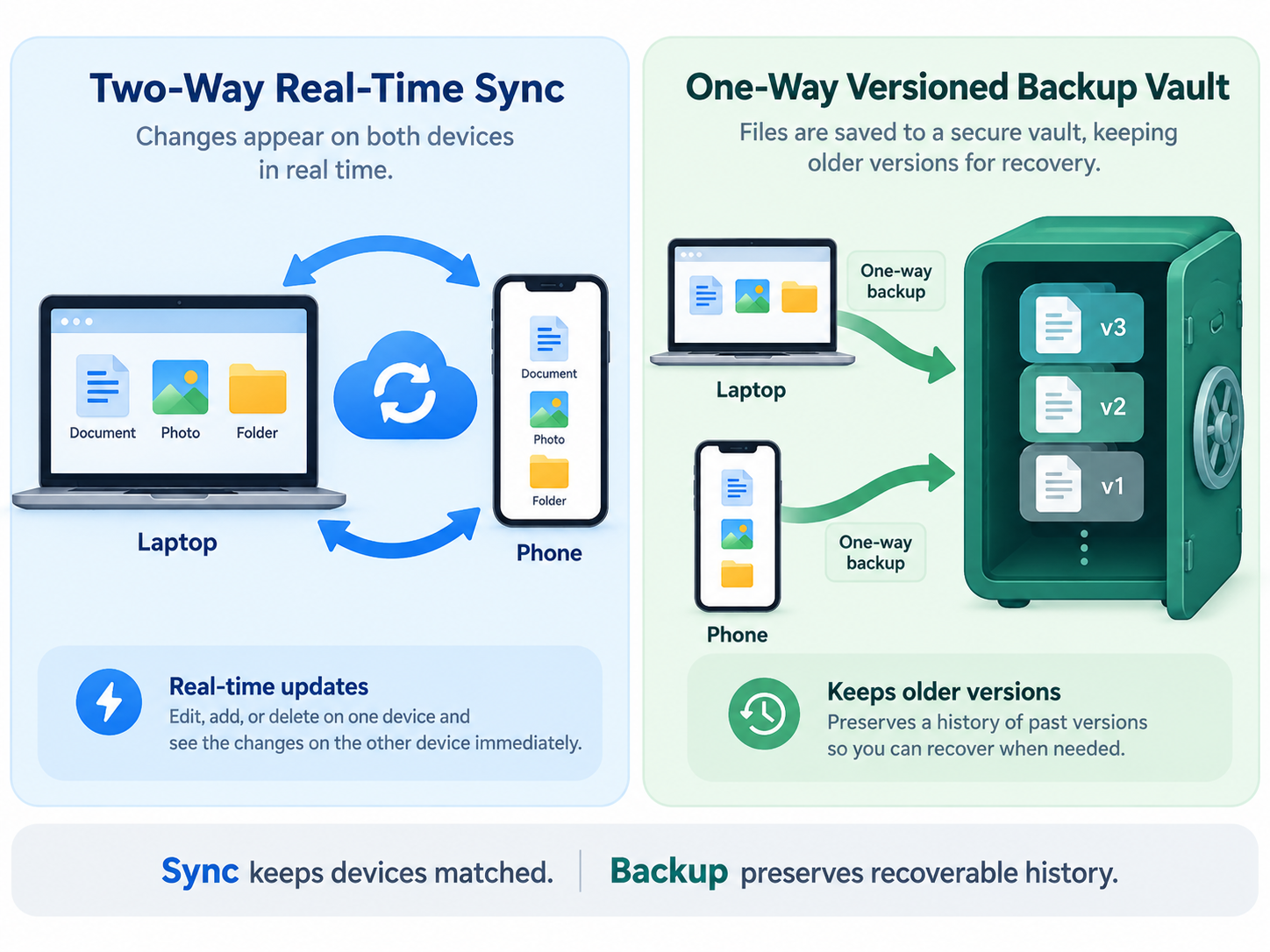
Cloud Storage Sync vs. Backup: What You Need to Know
Understand why file synchronization is not a complete backup, how accidental deletions and ransomware propagate across synced devices, and how to protect your files properly.
CorelyUp content hub
Practical explanations and comparisons for using technology more safely and effectively.
Planned coverage includes privacy, backups, useful software and plain-language how-to guides.
10 articles are available in this hub.
Understand why file synchronization is not a complete backup, how accidental deletions and ransomware propagate across synced devices, and how to protect your files properly.
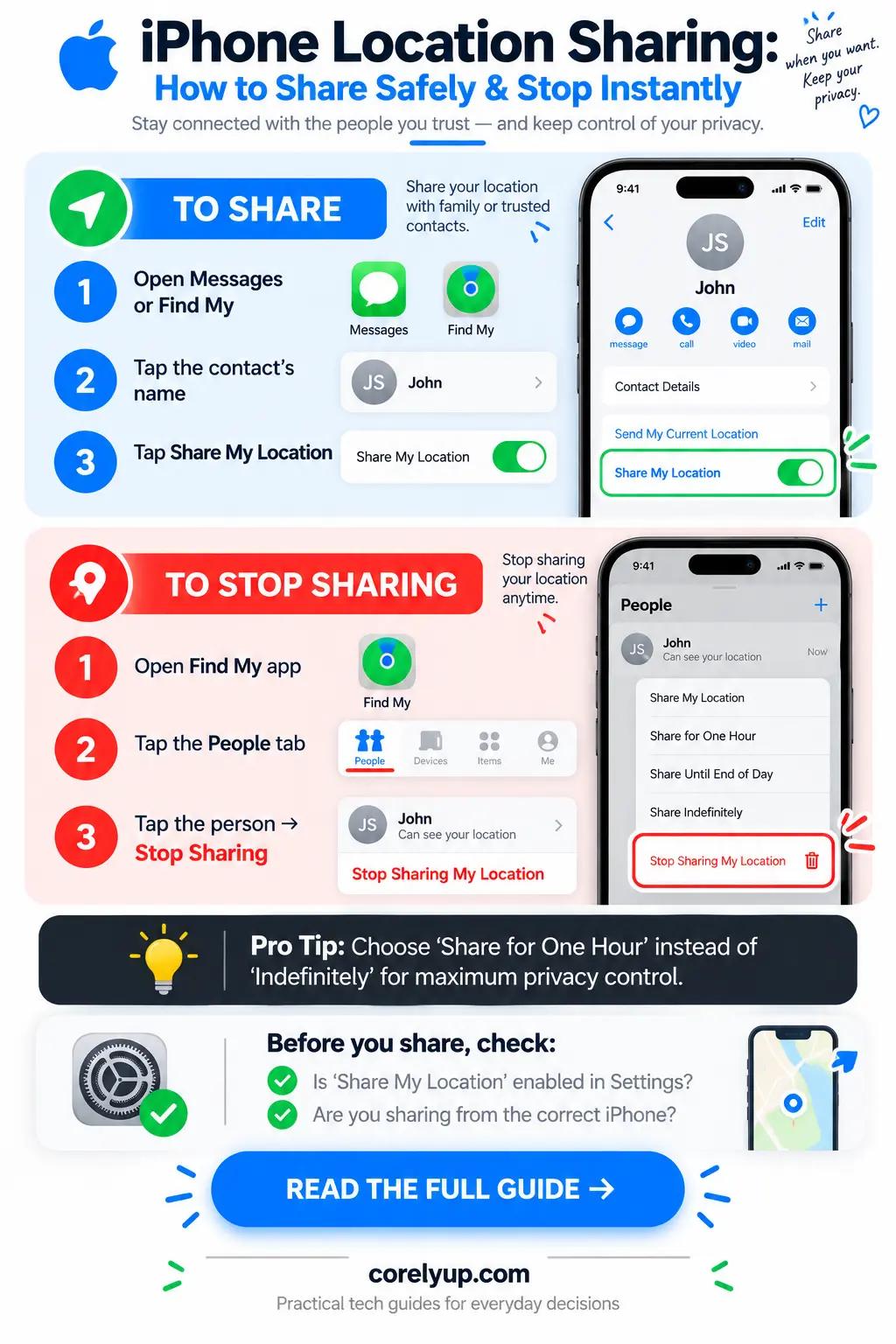
Learn the four built-in ways to share your location on iPhone (Find My, Messages, Check In, and Apple Maps), whether the other person gets notified when you stop, and how to audit location access with Safety Check.
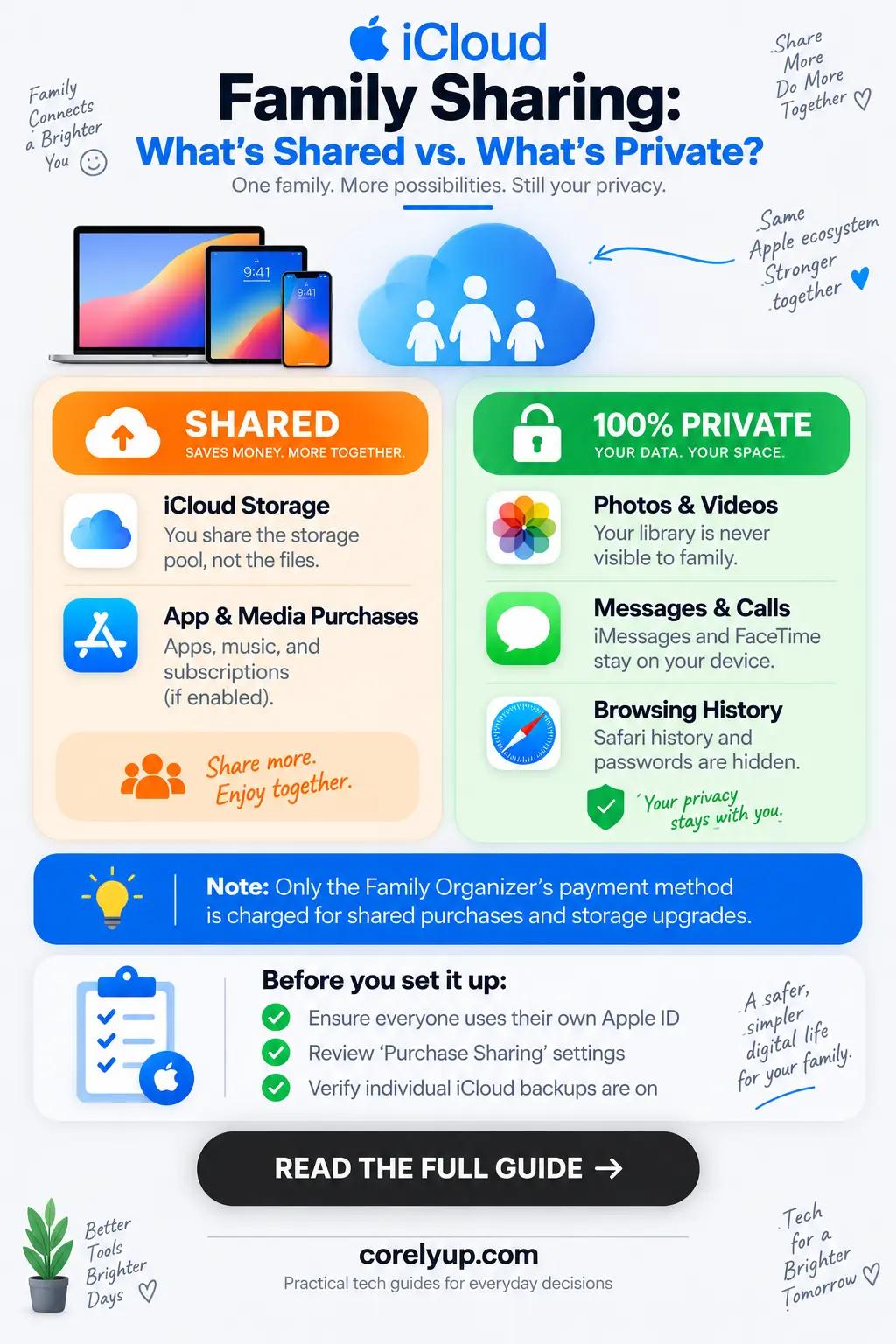
Find out whether sharing an iCloud+ storage plan exposes your private photos, messages, or files to family members, how Shared Photo Library works, and how to check your privacy settings.
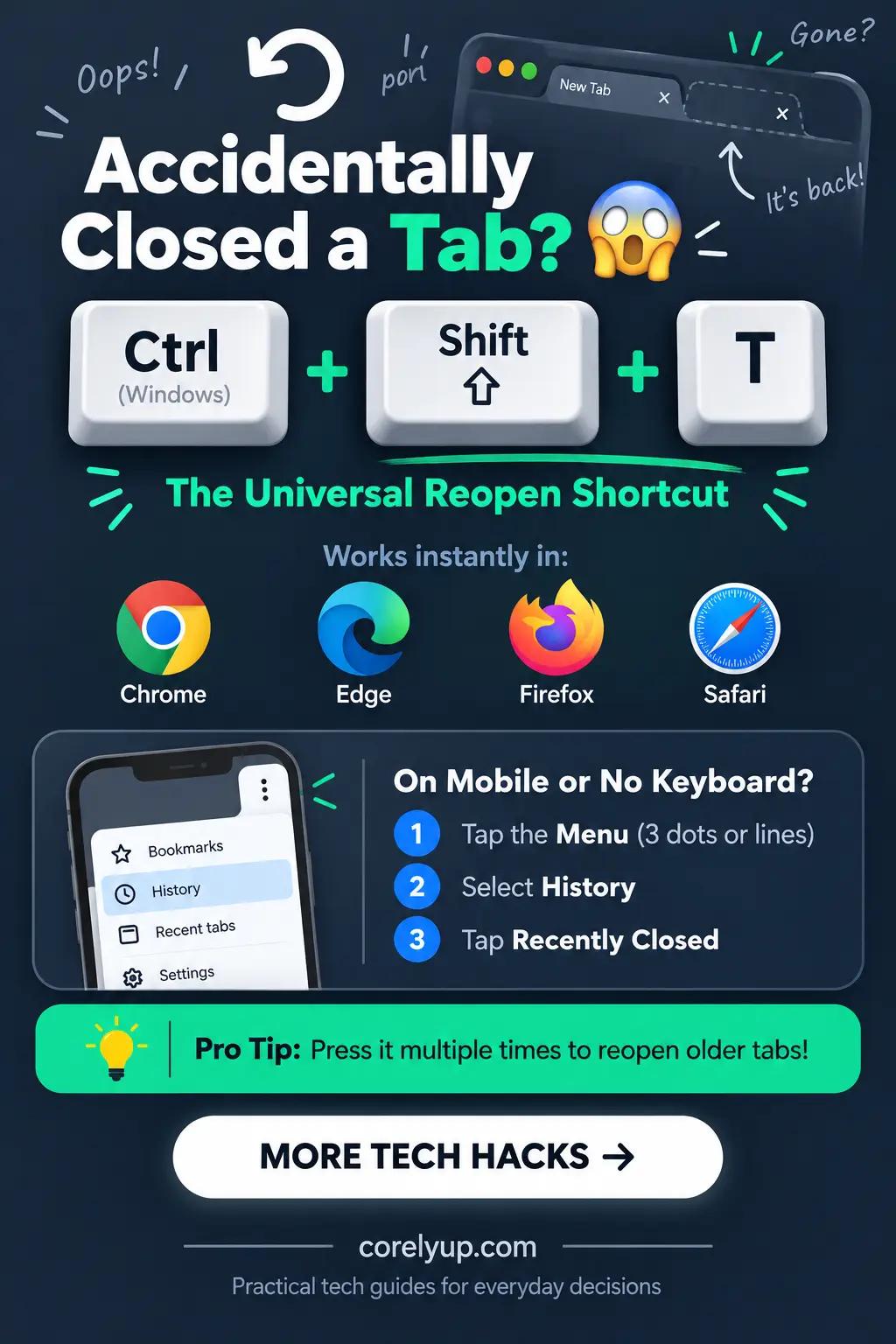
Restore accidentally closed browser tabs and entire windows in seconds using Ctrl+Shift+T or Cmd+Shift+T across Chrome, Edge, Firefox, and Safari on desktop, iPhone, and Android.
Export your Google Chrome bookmarks to a universal HTML backup file in under 30 seconds, transfer them to a new PC or Mac, or import them into Firefox, Edge, and Safari without duplicates.
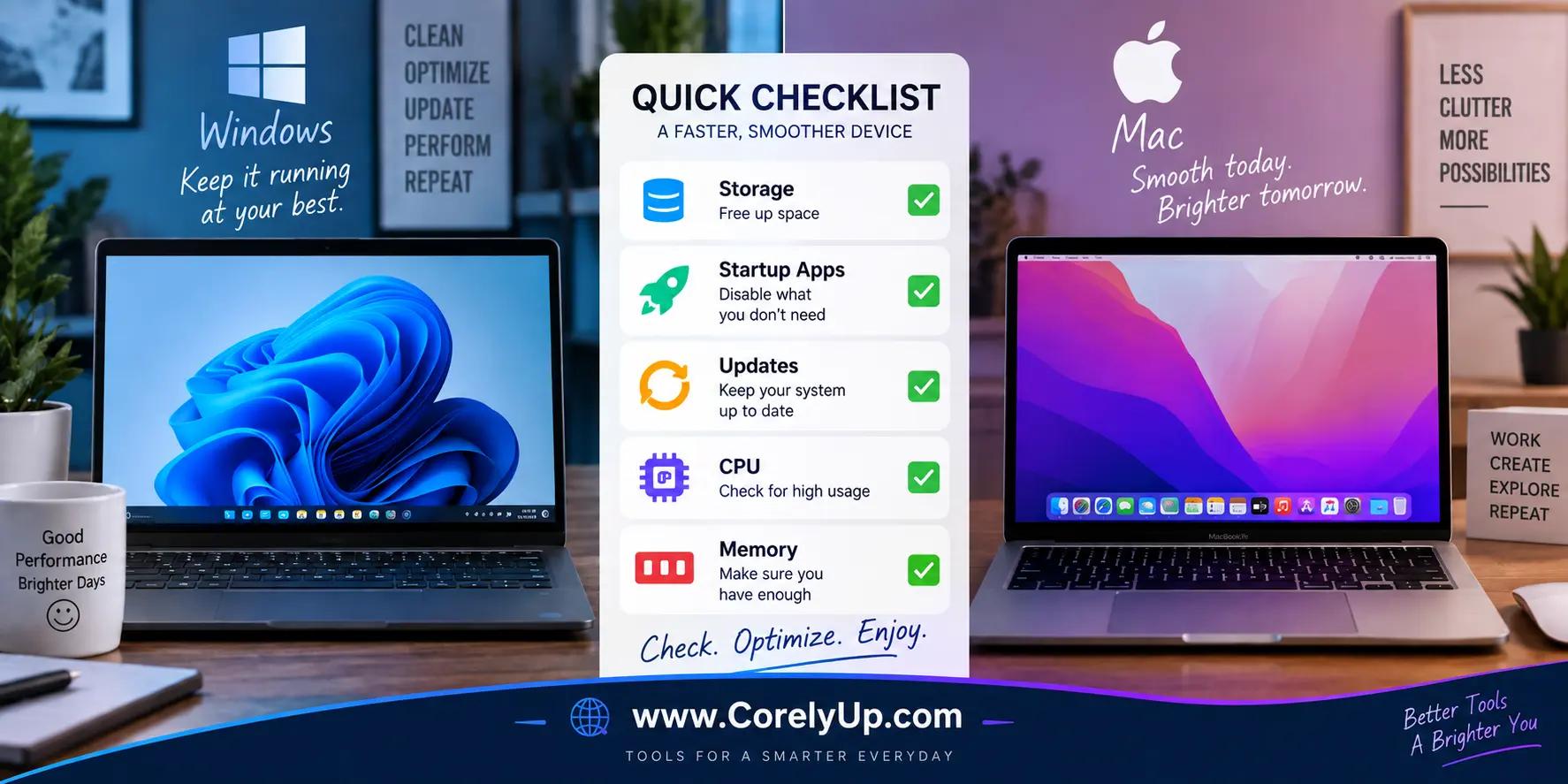
A slow laptop doesn't always need replacing. Diagnose the real cause first, then work through storage, startup apps, and updates safely.

Use ChatGPT for drafting, summarising, planning and brainstorming at work while reducing unnecessary exposure of confidential, personal, customer or company information.

Check Android device backup, photos, important apps, local files and account recovery before resetting, replacing or repairing your phone.

Protect full-resolution iPhone photos and 4K videos without losing Live Photos, EXIF dates, or originals when freeing up storage across iCloud Photos, Mac, Windows PC, and external SSDs.
Lock down your primary email, bank logins, smartphone location permissions, and browser tracking in 30 minutes using phishing-resistant MFA, unique passwords, and credit freezes.